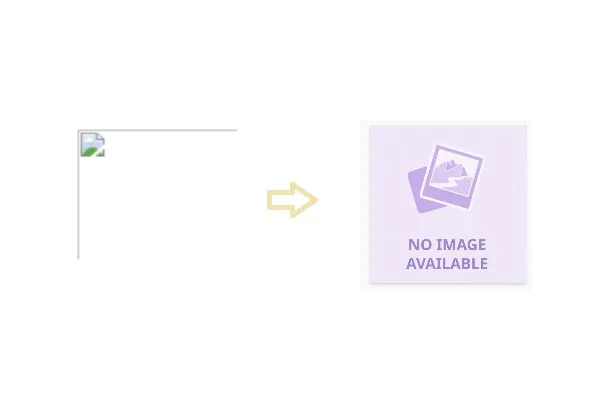
Creates a More Professional Appearance!
I’ve been wanting to add a fallback image to one of the pages in my customized HRIS.
Today’s the day I added the code for it.
I used the HTMLonerrorattribute on the<img>tag to display a fallback image when the original image cannot be loaded.
Adding a fallback image generally improves the user experience, especially in business applications, websites, and HR systems where missing images can make the interface look broken or unreliable.
Without a fallback, users may see a broken image placeholder like this:

That immediately draws attention and can make the page feel unfinished or malfunctioning.
If an employee profile photo, company logo, or product image is missing, showing a default image maintains a consistent layout and polished look.
For an HRIS platform, I would consider fallback images a standard UX practice because employee photos and company logos are frequently missing, especially during onboarding and data imports.
If you want to know more, feel free to browse to the other blog posts.